
Know when a channel stops.
Before your customers tell you.
Every channel has a health state with advice in plain words, administrators are alerted when a channel goes down, and each chat channel keeps a 14-day log of what its provider sent, with replay.
01Health states
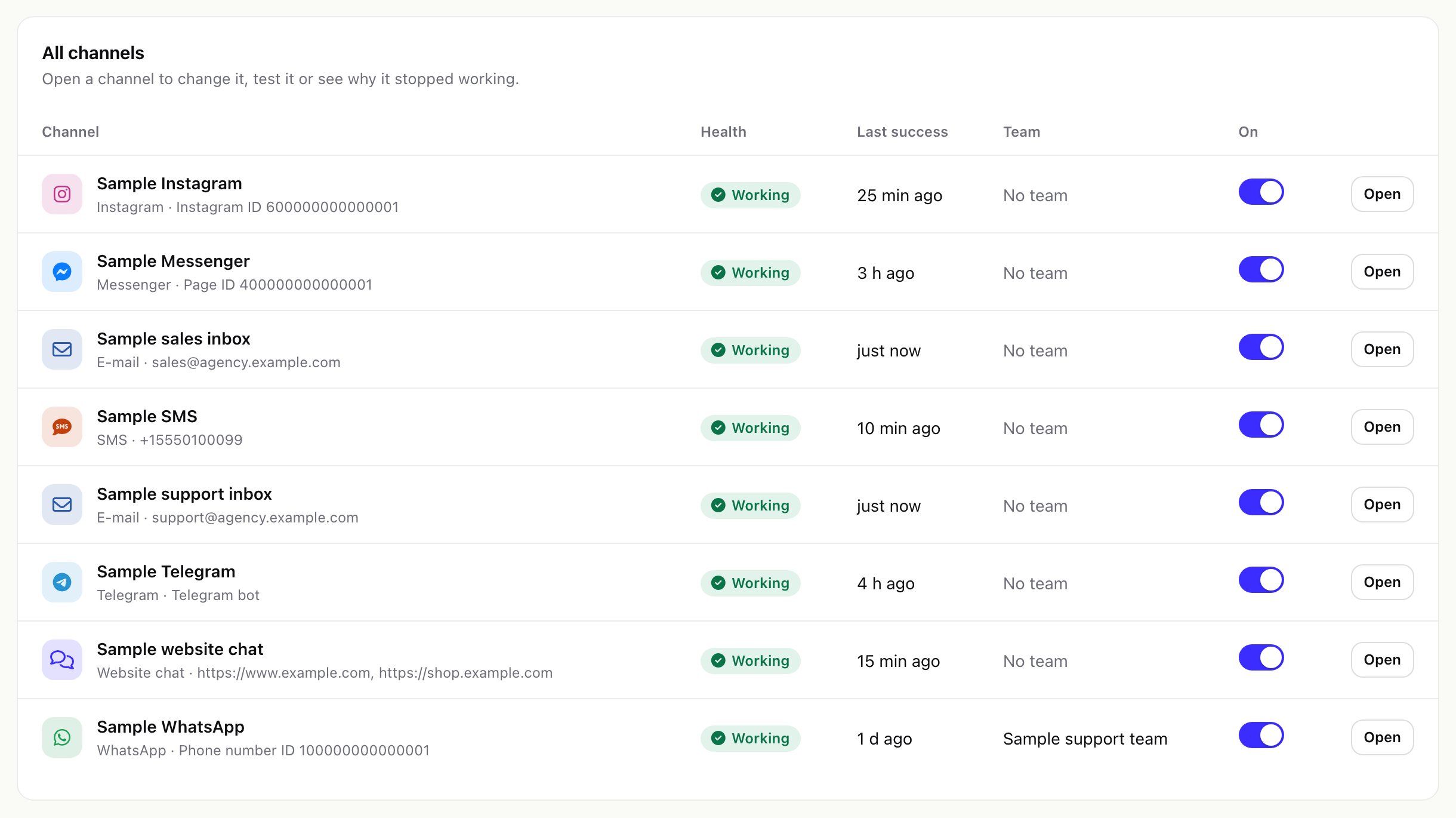
Setup > Channels, the dashboard and the inbox's channel list show the state of every channel and mailbox:
| State | Means | What to do |
|---|---|---|
| Working | The last attempt succeeded. | Nothing. |
| Waiting for the first message | Nothing received, sent or synced yet. | Check that the webhook address is saved at the provider (chat) or that the Perfex cron runs (mailbox), then send a test message. |
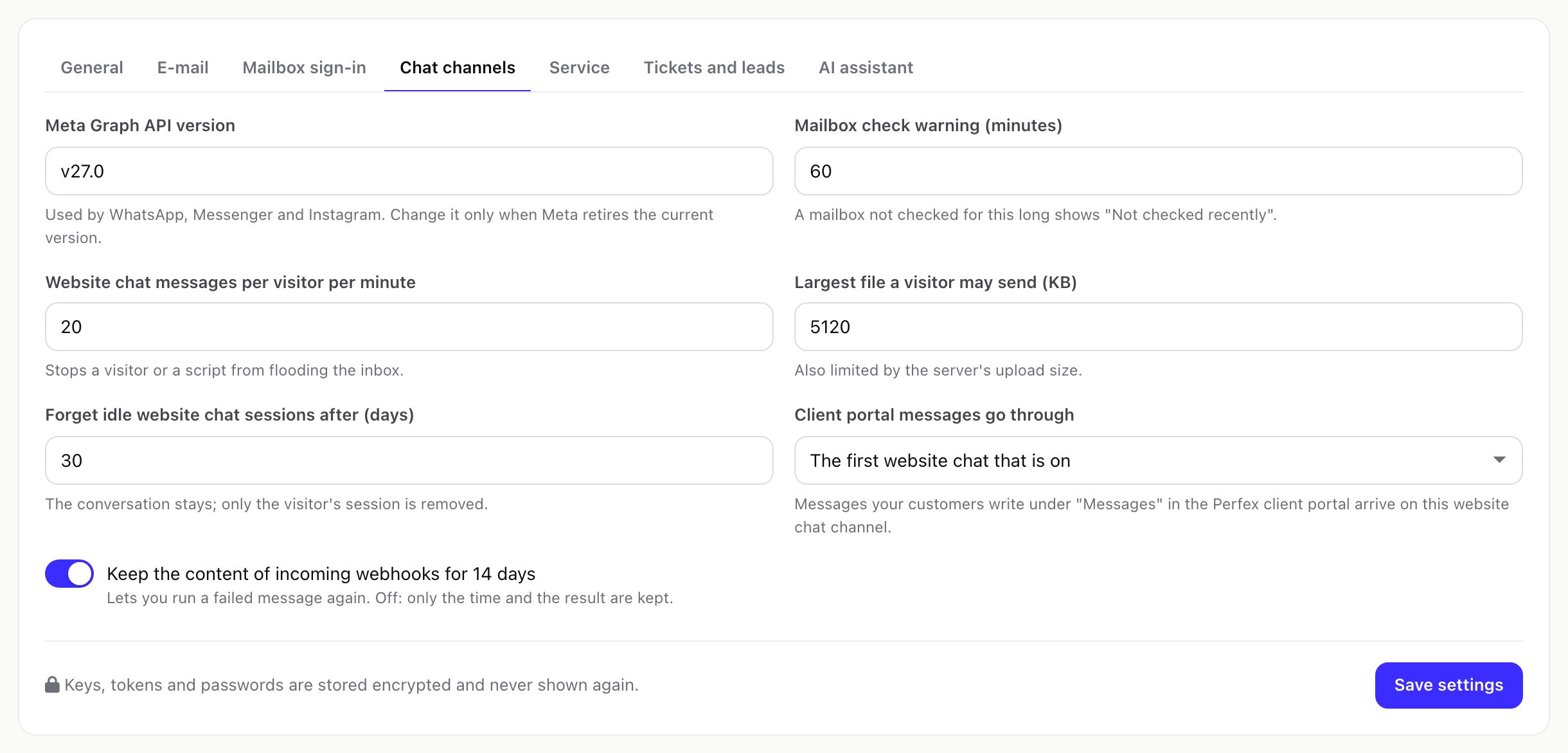
| Not checked recently | A mailbox was not read for longer than Mailbox check warning (minutes) (Settings > Chat channels, default 60). | Make sure the Perfex cron runs every few minutes. |
| Not working | The last error is newer than the last success. | Open the channel, run Test connection and read the error. For a refused sign-in or token: sign in again or paste a new token. |
| Switched off | The channel is off. | Switch it on to receive and send. |
When a channel goes down, every active Perfex administrator gets one Perfex notification (An Omnithread channel stopped working), and one more when it works again.
02The webhook log
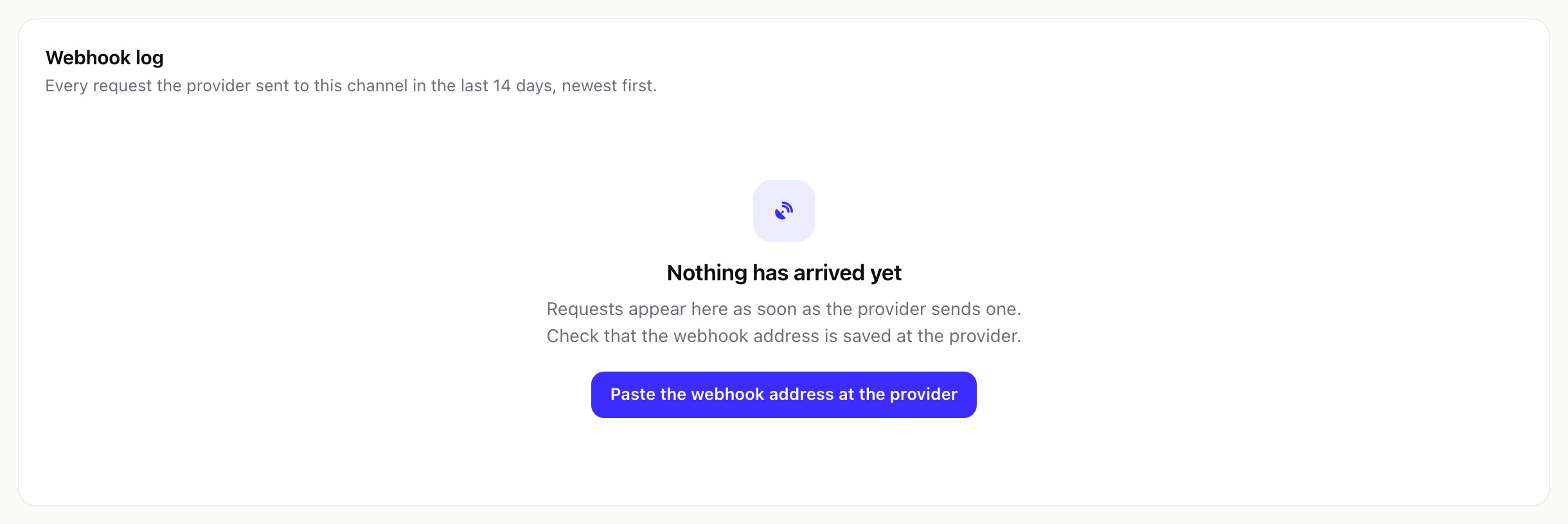
Open a WhatsApp, Messenger, Instagram, Telegram or SMS channel and choose the Webhook log tab. It lists every request the provider sent to this channel in the last 14 days, newest first:
- Received: when it arrived.
- Result: Stored, Already stored (a repeated delivery, stored only once), Refused (for example a wrong signature or verify token) or Not stored, sent again (an error on your side; the provider is told to deliver it again).
- What it carried: the number of messages, of repeats and of delivery reports, or Address check by the provider.
- Answer: the HTTP status your CRM answered.
Requests to an unknown address or with a wrong key get "not found" and are not logged, so strangers cannot fill the log. Requests larger than 1 MB are refused.
03Webhook content: where, how long, how to switch it off
The setting Keep the content of incoming webhooks for 14 days is on after installation. The content of each accepted request (the message text, names, phone numbers and other data the provider sends) is then kept in your database so you can replay it.
- Where: in your Perfex database, table
ot_webhook_logwith your table prefix (usuallytblot_webhook_log), columnpayload. The rest of the row holds the time, channel, result, HTTP status, a short summary and any error. - What is kept: the request body, method, query string and only the headers a replay needs (
Content-Type,User-Agent,X-Hub-Signature-256,X-Twilio-Signature). Telegram's secret header and cookies are never stored, and the address is kept without its key. Refused requests never keep their content. - How long: the daily clean-up on the Perfex cron deletes log rows, with their content, 14 days after they arrived. The 14 days are fixed.
- Switch it off: Setup > Settings > Chat channels, turn off Keep the content of incoming webhooks for 14 days and save. From then on only the time and the result are kept, and replay is not possible. Content stored before stays until its 14 days are over; if it must go at once, a database administrator can empty the
payloadcolumn of that table.
04Replay a request
When a message did not arrive because of a setting (for example a wrong app secret), fix the setting, open the Webhook log and press Replay on the request. Omnithread runs it again with the channel's current settings and checks the signature again; messages it already stored are not duplicated. A request whose content was not kept, or that was refused, cannot be replayed. Needs the permission Manage channels.
05Outgoing messages
- Replies on chat channels go through an outgoing queue. When a provider answers that a later attempt may work, the message is retried after 1, 5, 15, 60 and 240 minutes.
- A message that finally fails shows Not delivered with the reason, and Try again in the conversation.
- Delivery, read and failed statuses come back from WhatsApp, Messenger, Instagram and Twilio to the same webhook address.
06Can providers reach your CRM?
Setup > System check > Public address of this CRM shows the address providers send to. Test from this server checks whether the server reaches its own public address. Behind some firewalls this test fails even though providers can reach you; send a test message to a channel to be sure.